
Motivation
As is I suppose the function of advertising, I was looking for an air quality monitor. I was originally going to build one - with some CO2 sensors, and a few other parts. Then I so happened to stumble upon the AirCube Pro. Which had two of the sensors built in that I was looking for. So, I opted for the simplicity.
Here’s my initial review of it.
Unboxing
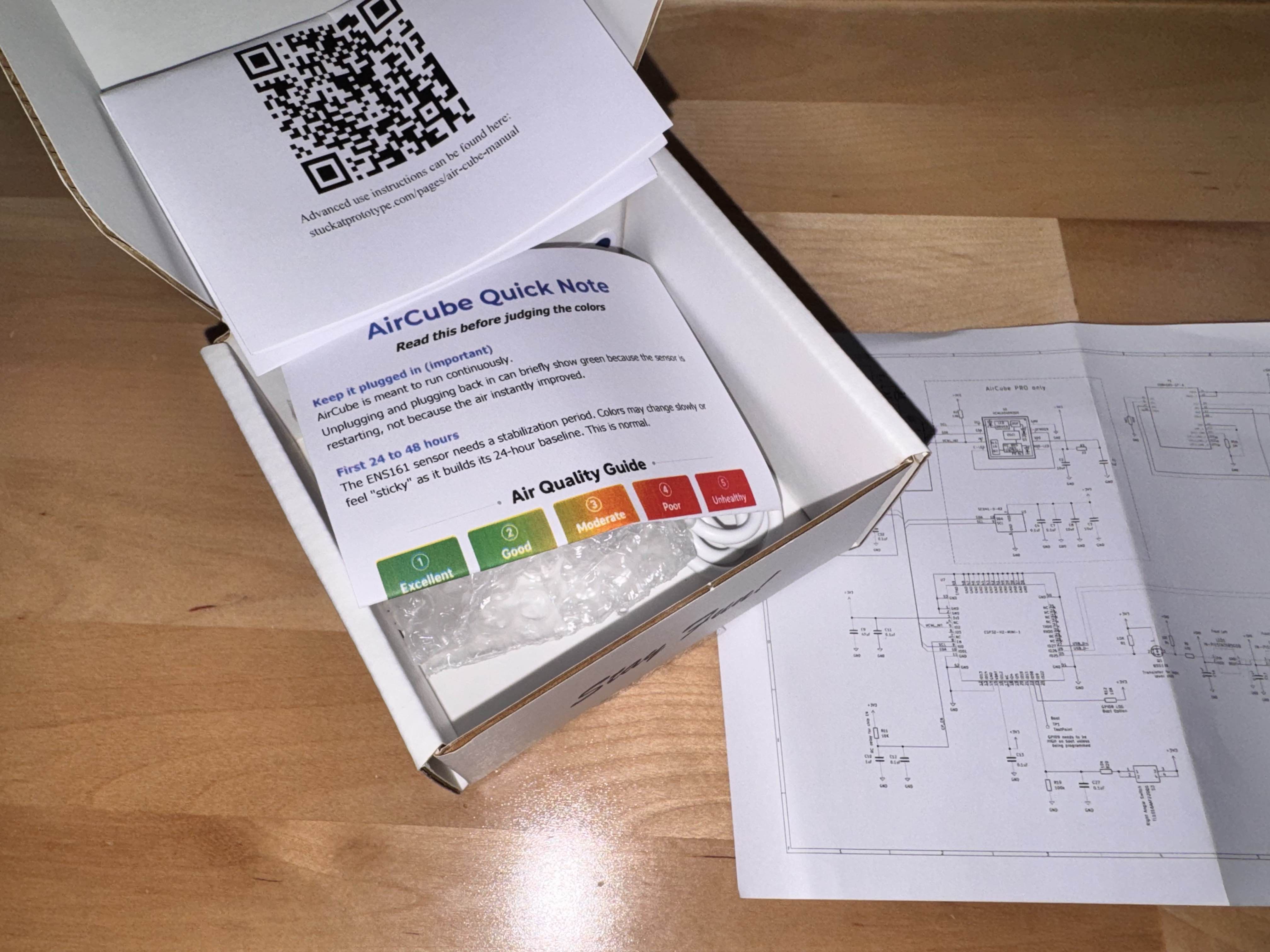
It comes in a decently packaged box, with basic instructions, a schematic (a plus!), and the cube, along with a charging cable. For a 3D printed case, it feels decently polished.
Setup
After removing it from the box, plug it in, and it starts working out of the box. The instructions state some of the sensors need time to calibrate, so I’m leaving it running for a few days and I’ll do some further testing with opening windows, etc.
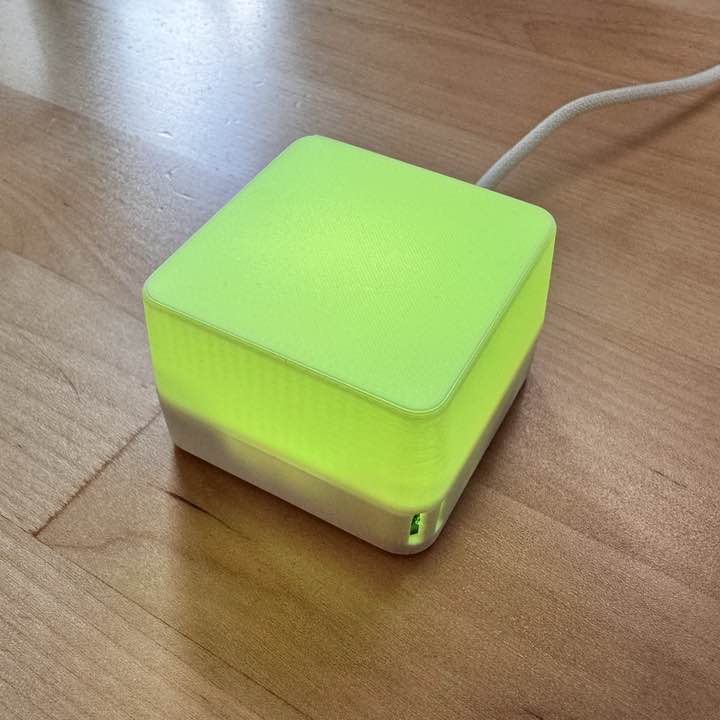
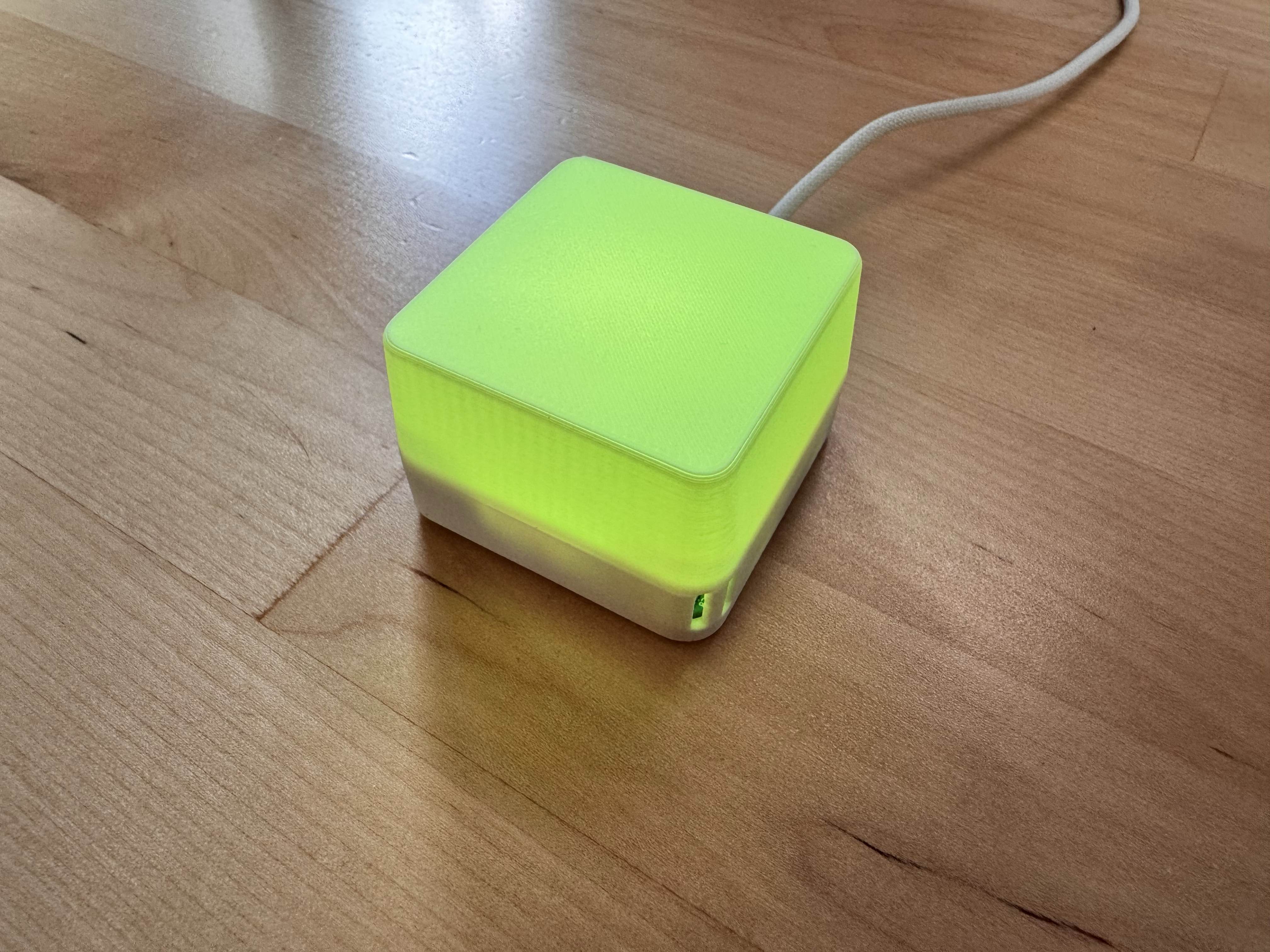
It’s operating premise, is it changes color to warn when air quality is not good. So, as CO2 and VOCs rise, the cube turns more red.
Connectivity
It has two modes: Bluetooth and Zigbee.
It’s automatically in bluetooth mode, and you can also pair over Zigbee. Press and hold the button for around 3 seconds and it enters Zigbee mode.
There’s a few ways to connect - an iOS app, a Windows app, and Home Assistant/Zigbee integrations. I didn’t try the windows App, but the iOS app
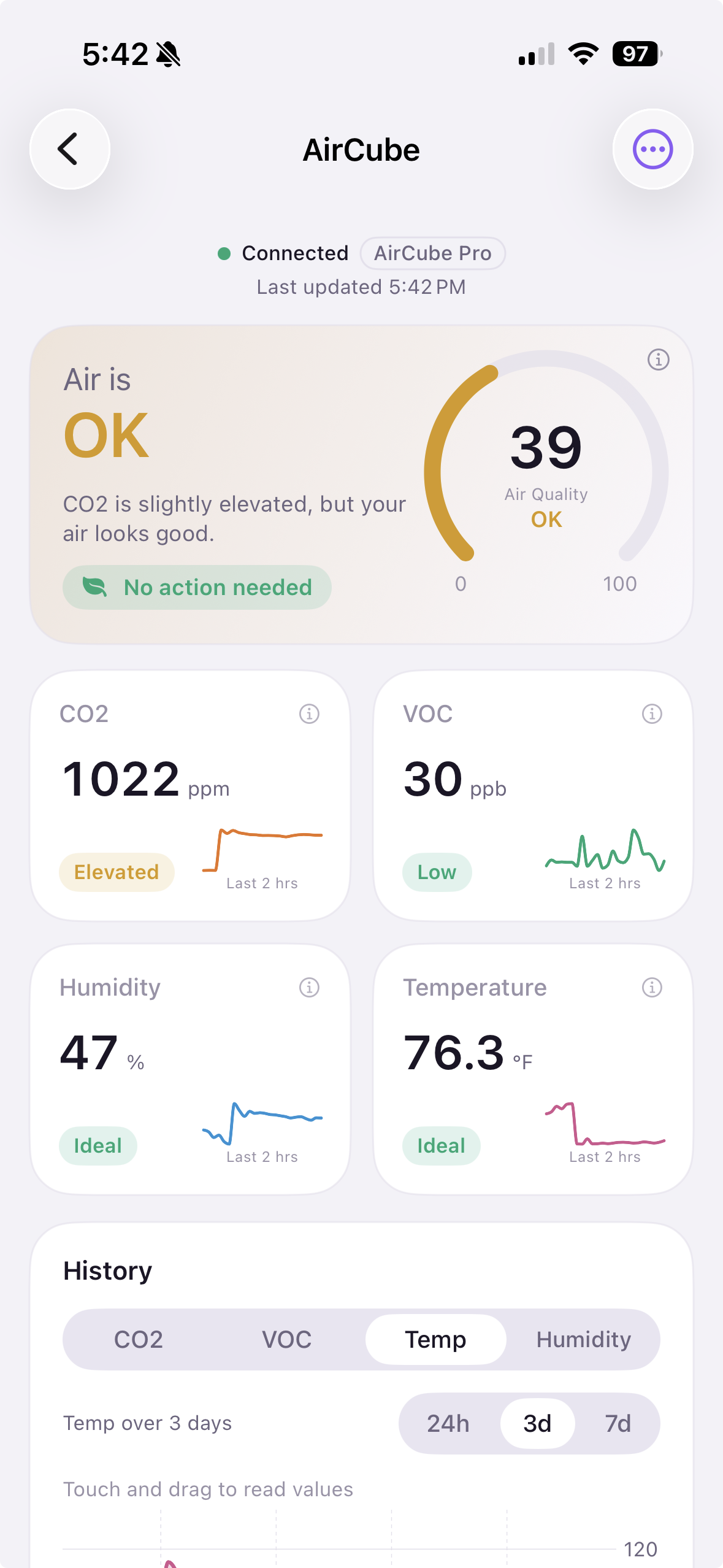
I really like the iOS app. It’s simple, clean, and easy to pair over Bluetooth.
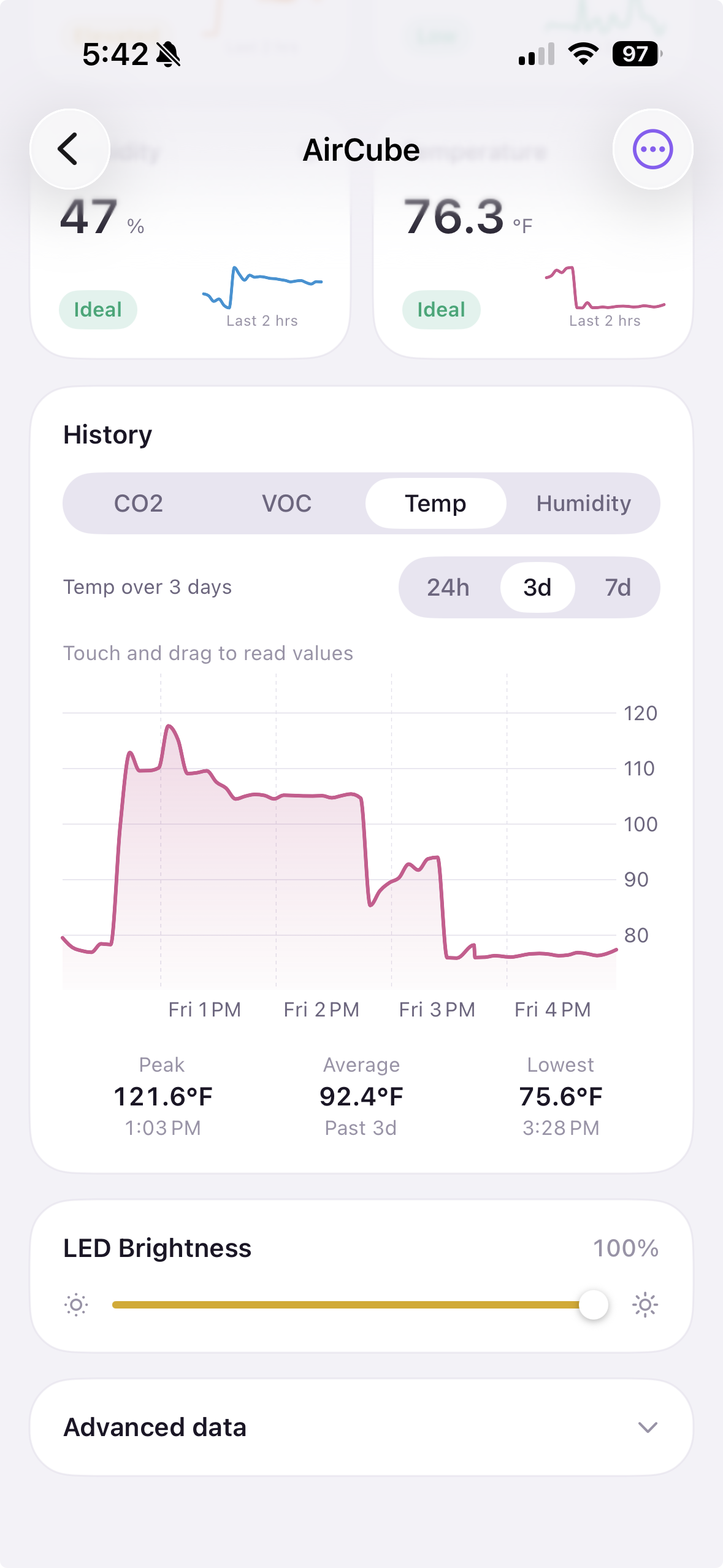
The Home Assistant connectivity is definitely more complex. eCO2, temp, humidity, and brightness seem to work out of box, but more advanced setup is required to get all the metrics.
There is a setup video and a guide, but unless you follow those, you’re limited to not all the metrics (just eCO2, temp, humidity, brightness). My Home Assistant is run in Docker, so I can’t quite follow the instructions as given, and wasn’t able to get them to work. I may do some further tinkering.
Verdict
I really like the iOS app, and it’s definitely a fun little device.
I’ll keep this running for a few days and report back. I wish the Home Assistant stuff was more out-of-box, but I’m not a heavy user of that and usually my phone is on my desk if I want to check the device.