
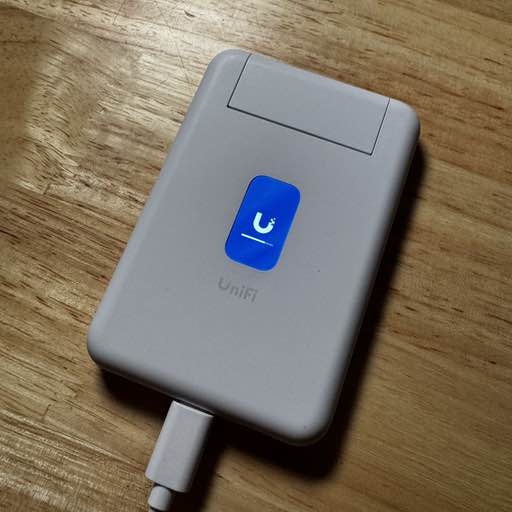
After seeing these sold out for months, I just happened to be browsing on the Unifi Store, and saw this was available. I picked one up, as a recent co-working space outing with the team didn’t work out so well when the wifi in the building went offline.
Features & Ports
- 1x USB C (power + USB)
- 1x USB C (USB)
- 1x Ethernet WAN
- 1x Ethernet passthrough
- Proxy another WiFi hotspot and share under a new SSID
- Wireguard / Teleport VPN
USB iPhone Internet
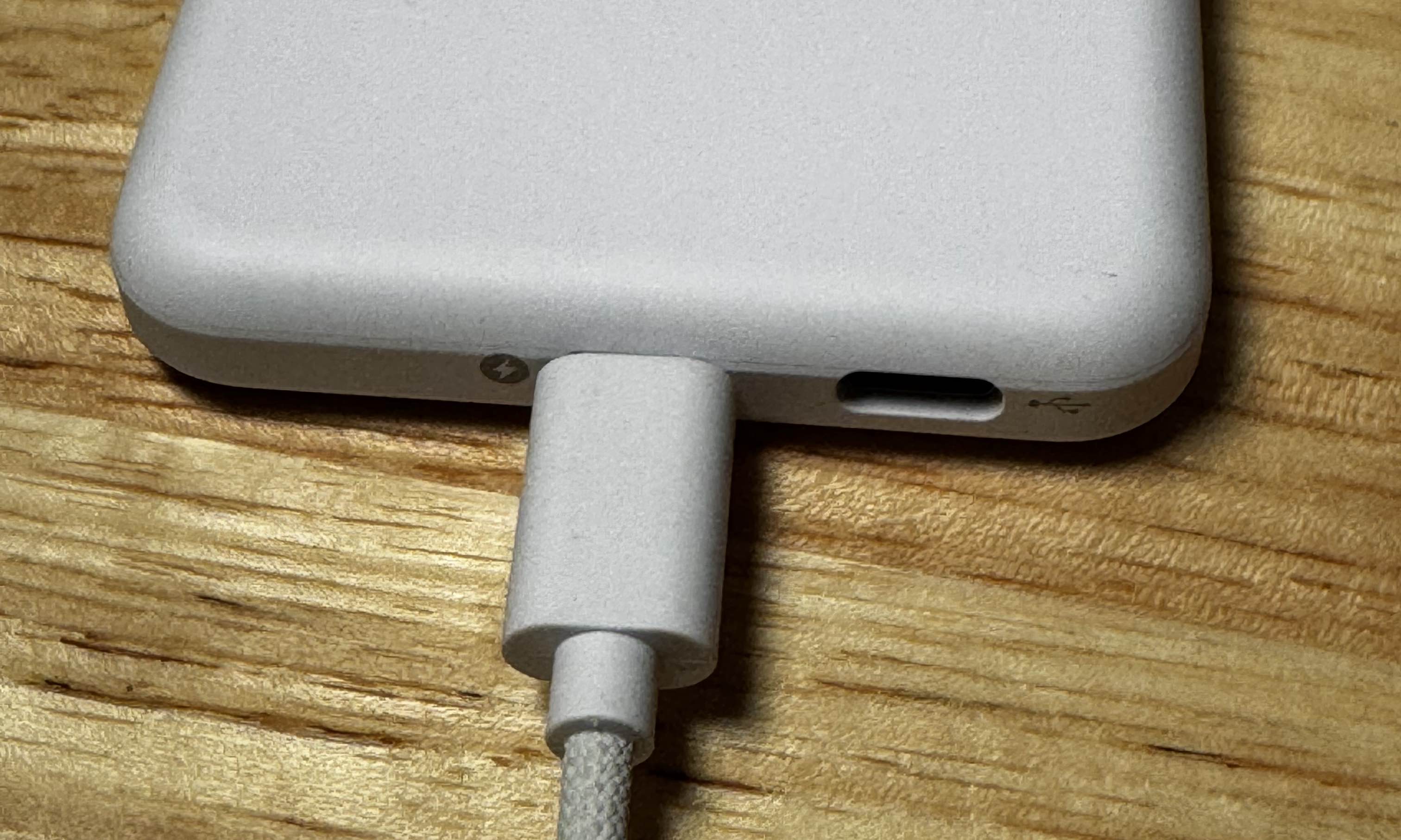
When on the road, I had a few different devices to connect, and although I can just hotspot from my iPhone, instead I tethered my iPhone’s USB to the 2nd USB port, and plugged the main one to power. This keeps my phone charging, and all my devices can connect to the hotspot’s WiFi instead.
If I needed to bridge my iPhone to something that preferred ethernet (e.g. I’ve got some Raspberry Pi Setup), this would be useful.
Hotel WiFi
As I mentioned before, this hotspot can connect to other WiFi networks (e.g. a guest network at a hotel, paid WiFi, and share that with all of my devices. So this is quite nice (and I could just leave this in the room if I really wanted to, to avoid reconnecting).
Ethernet
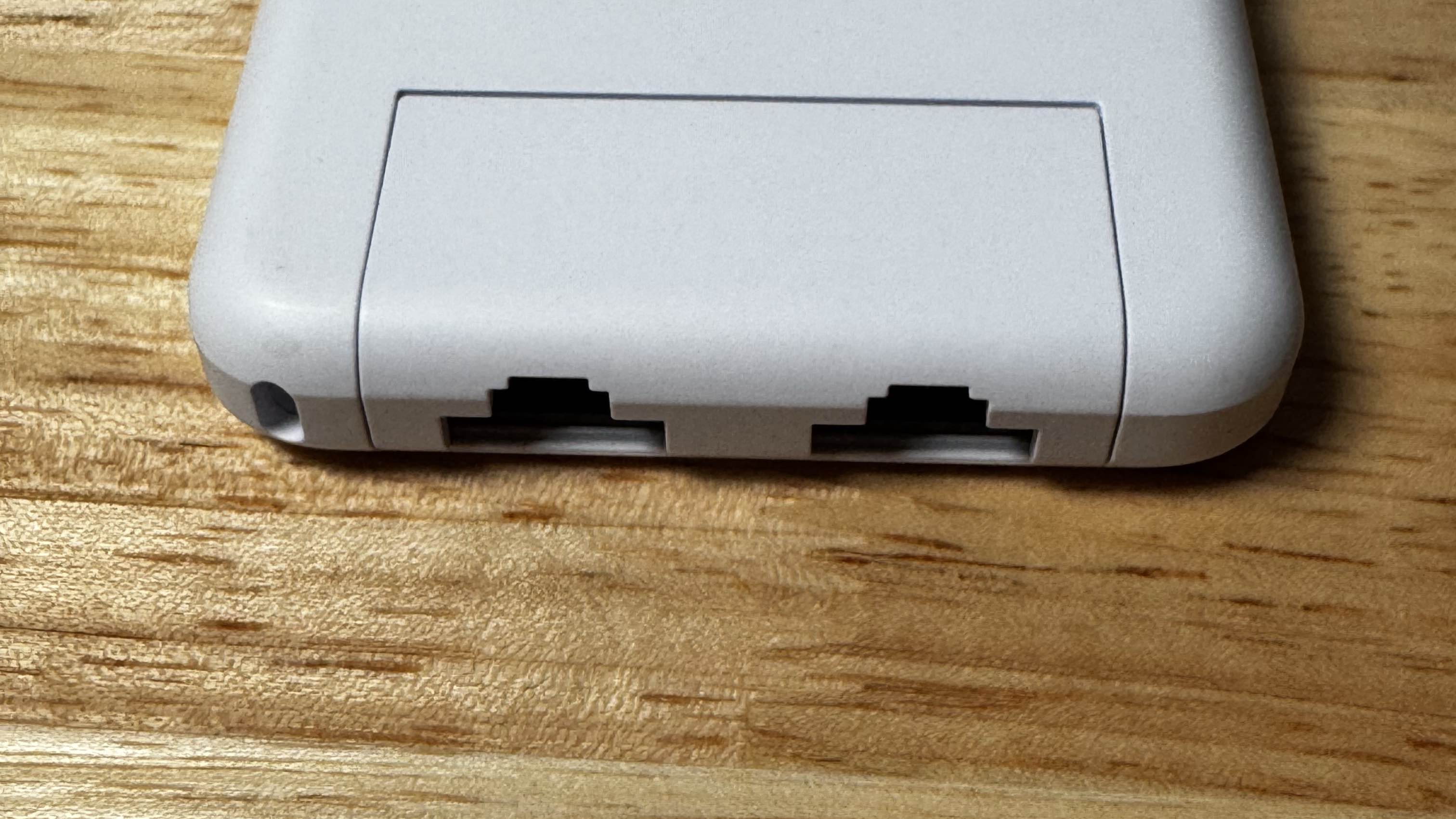
I haven’t needed it for the original scenario I purchased it for yet - but I’m sure it will happen eventually. But, it does also support acting as a normal access point if plugged into ethernet which is nice.
It has 1x WAN ethernet port, and 1 additional ethernet port, to plug in a wired device.
VPN
The last piece that makes this stand out is its VPN capabilities, which means that I can plug this into some foreign WiFi network, and it will VPN all of my traffic back to my home network, and I can access any devices on my local network.
It supports both Wireguard VPN, and also Teleport VPN if your Unifi router is logged into a Unifi account, you could also use that.
Other Notes
The boot time for the travel router isn’t instant, but it’s not too bad. I did a few timed trials, and it averaged around 1min 10sec to boot.
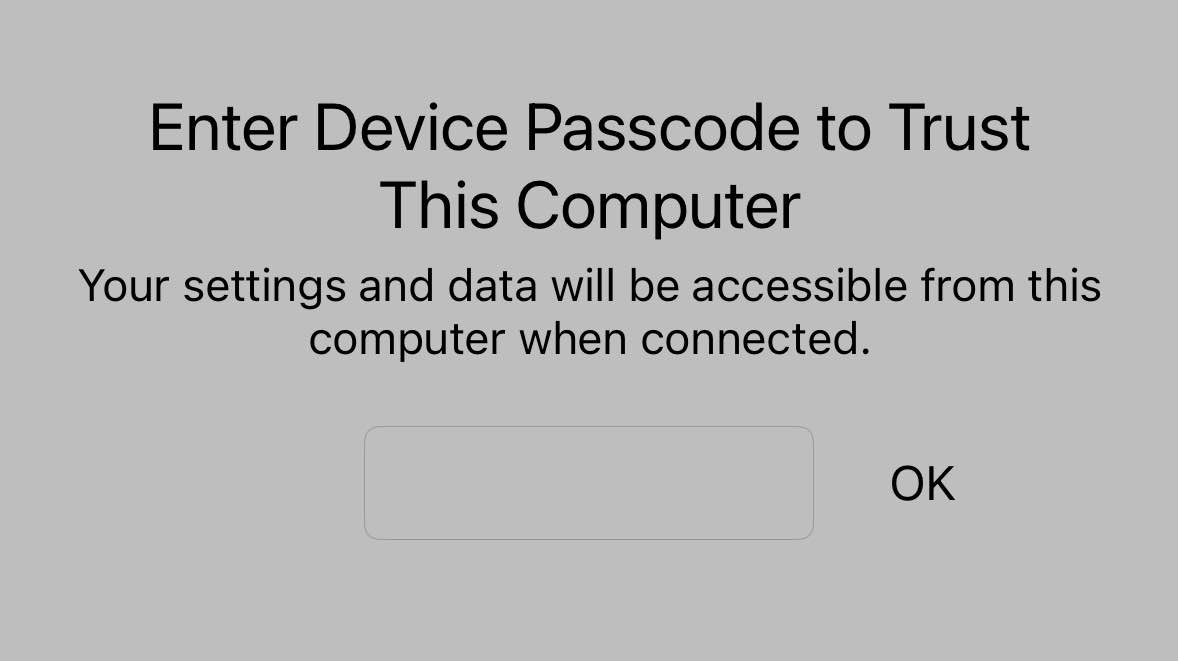
I have also needed to “Trust This Device” when tethering my iPhone. I wish that Apple would make that permission more granular (i.e. - Allow Ethernet Hotspot, but don’t give all to my phone’s data please!)
It also being a small device gets warm after hours of usage. Not too hot to burn myself, but definitely not an ice cube either.
The Verdict
This thing seems genuinely useful a general WiFI access point I can take with me, and the VPN capabilities are cool. Given its small size, this is a no-brainer addition to my work backpack.